Qatar Visa Print: How to Download and Print Your Approved Visa
A colleague of mine arrived at Hamad International Airport last year with his visa on his phone. Just a screenshot from the MOI portal, clear as day on his screen. The immigration officer looked at the phone, looked at him, and said: we need the paper. He had to step aside while they printed it themselves from their system. Twenty minutes, a lot of stress, and a near-miss on his connecting transfer.
Print the visa. Qatar immigration expects paper.
When Can You Print?
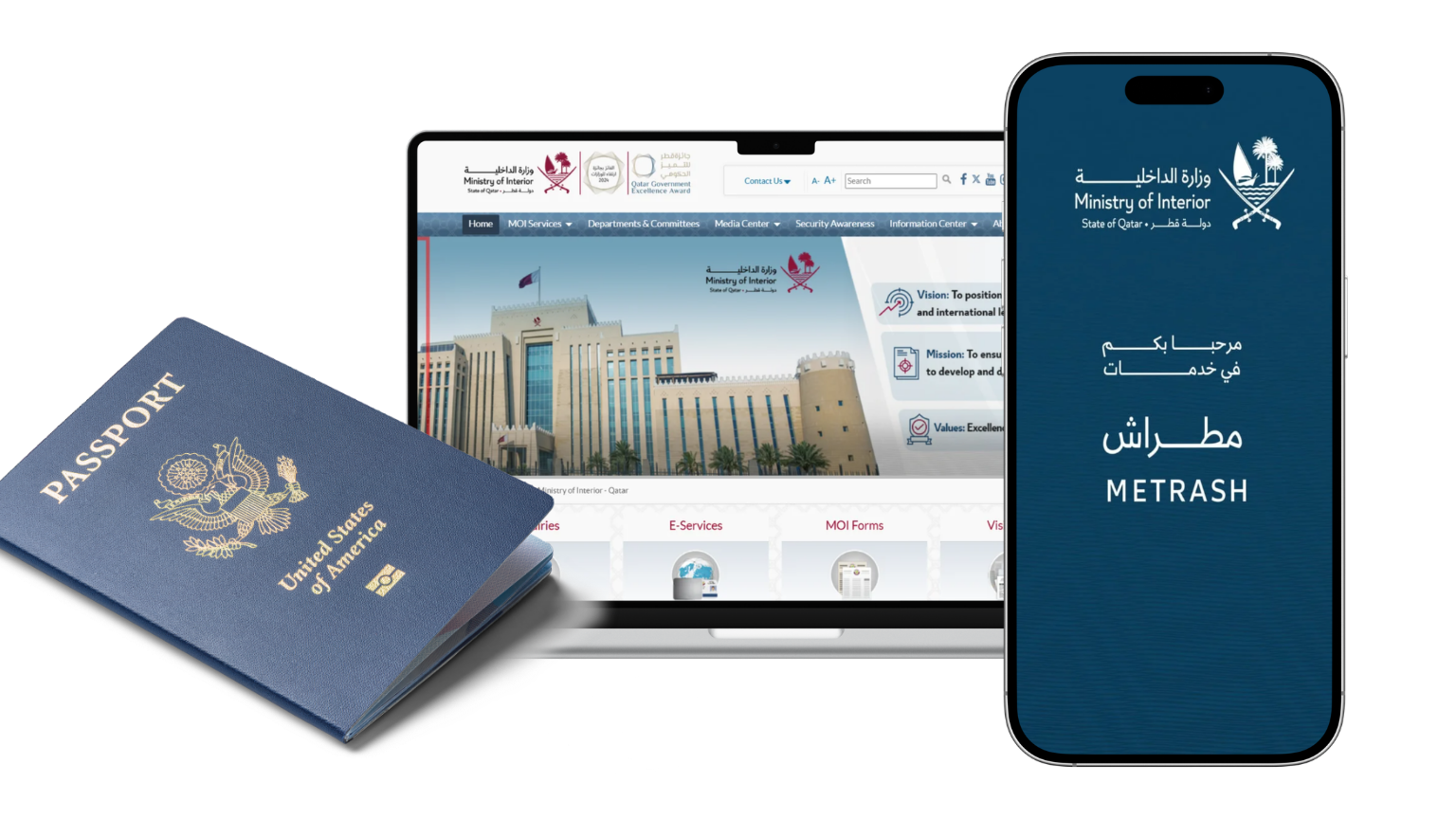
The print button only appears when your visa status shows Ready to Print or Valid to Use. If your status is anything else, including Issued, Under Process, or Pending Approval, the option will not be there yet. Wait for the status to update first.
Status guide before printing:
- Ready to Print > Print button is active. Download and print now.
- Valid to Use > Print button is active. Download and print now.
- Issued > Not yet printable. Recheck in a few hours.
- Under Process > Still being reviewed. Wait for update.
- Payment Required > Pay outstanding fees first, then the print option activates.
How to Print From moi.gov.qa
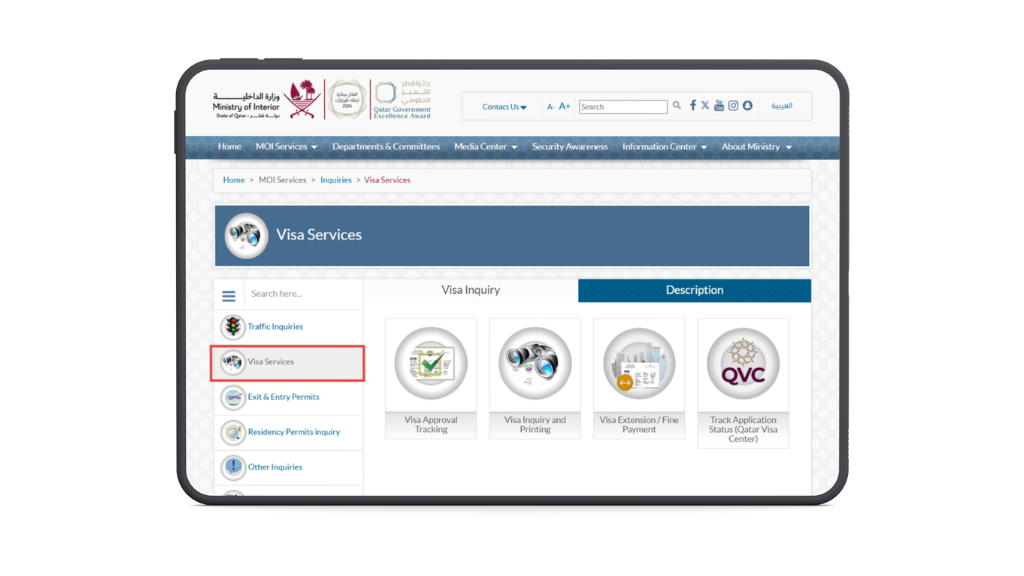
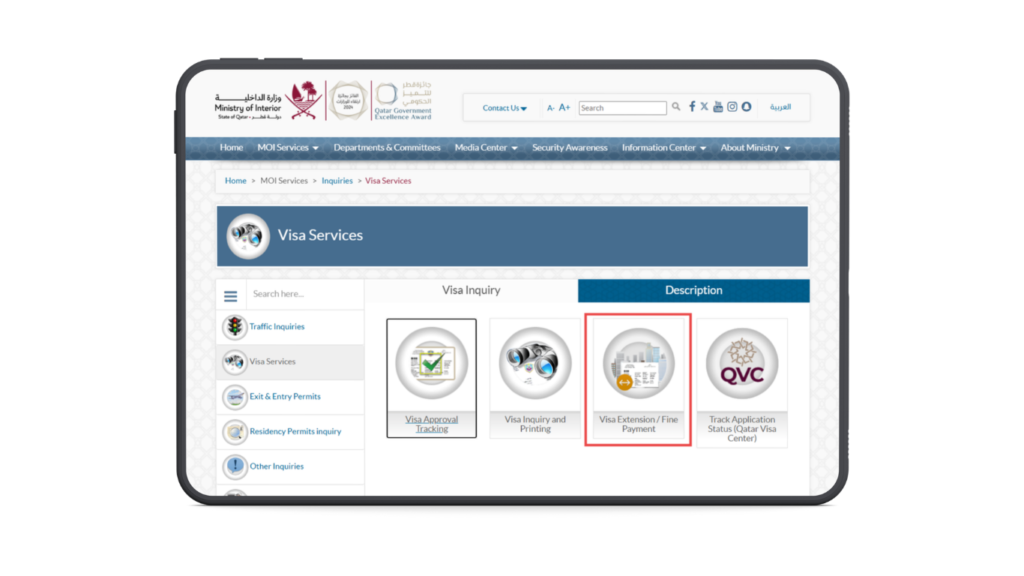
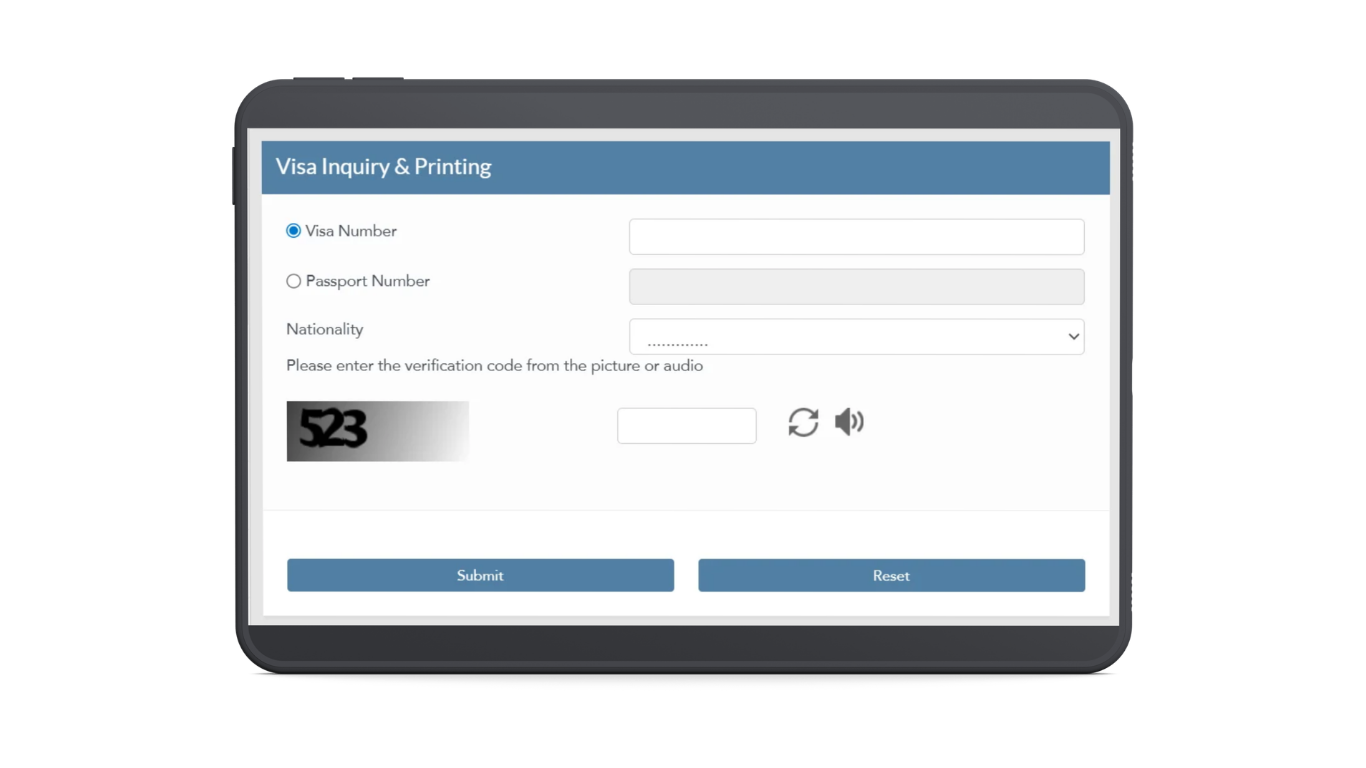
Go to moi.gov.qa. Use the language toggle at the top right to switch to English if needed. Click Inquiries, then Visa Services, then Visa Inquiry and Printing. Enter your 15-digit visa number or passport number, pick your nationality from the dropdown, complete the CAPTCHA, and click Submit.
When the result loads and shows Ready to Print, a Print button appears on the page. Click it. The visa opens as a PDF. If outstanding fees are shown, pay those first through the portal before the print option activates.
Download the PDF and print it on A4 or US Letter. Colour is better but black and white is accepted at most entry points. Standard office print settings work fine.
If the Print Button Does Not Appear
Try a different browser. Chrome sometimes blocks the print button due to popup settings. Firefox and Microsoft Edge both work well with the MOI portal. Clear your cache and cookies, reload the page, and try again. Early morning Qatar time tends to have the most reliable portal performance, as traffic is lower.
Save a Digital Backup Too
Once you have the PDF, email it to yourself or save it to cloud storage. If you lose the printed copy before your flight, you can return to the same MOI portal, run the same search, and reprint. The document does not get deleted from the system after the first download. You can print as many times as you need.
My visa status is Ready to Print but there is no button. What is wrong?
Try Firefox or Microsoft Edge. Chrome occasionally suppresses the print popup. Also clear your cache and reload the page. If it still does not appear, try early in the morning Qatar time when portal traffic is lower.
Can I show the PDF on my phone instead of printing?
No. Qatar immigration at Hamad International and at land borders expects a physical printed copy. A phone screen is not accepted as the visa document.
I lost my printed visa. Can I reprint?
Yes. Go back to moi.gov.qa, run the same search with your passport number or visa number, and print again. The portal keeps your visa record permanently accessible.